Your inbox, handled.
Your agent reads every email as it arrives, tells you what it needs, files it to the matter and drafts the reply in your register. You decide what leaves.
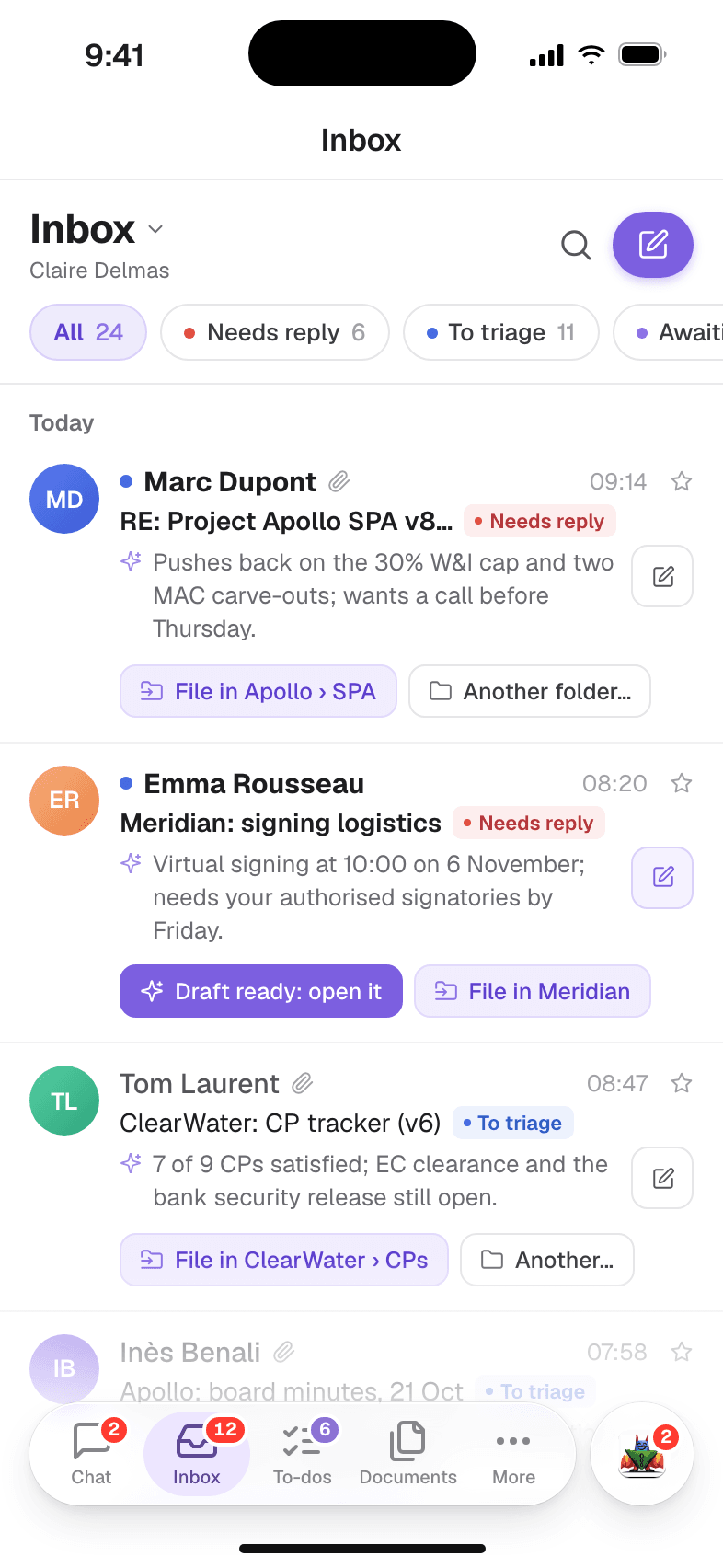
Every email summarised, sorted and filed.
Each message arrives with a one-line summary and a label: needs a reply, to triage, for information. Its folder in the matter is already suggested. One click files it; one more asks your agent to draft the reply.
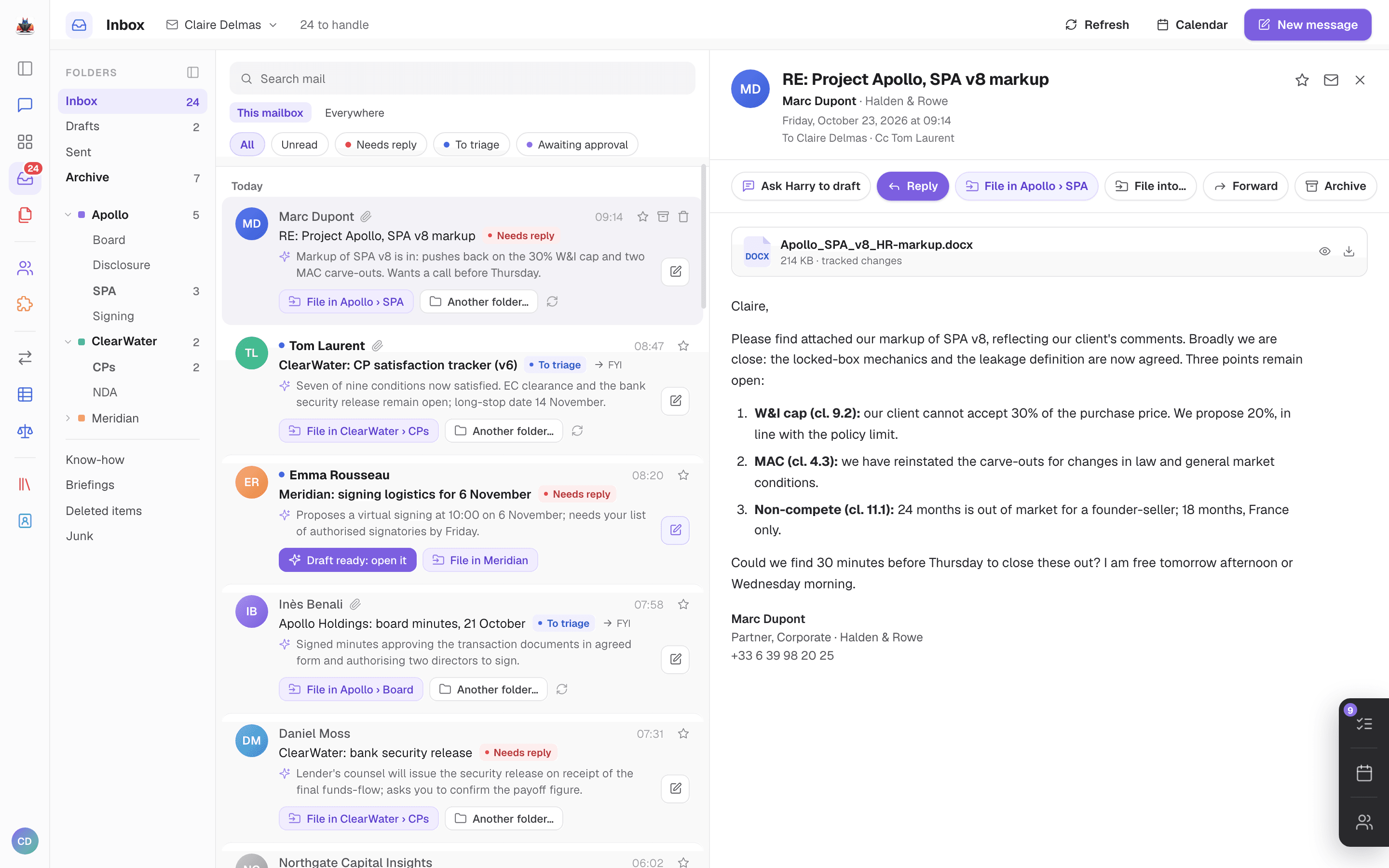
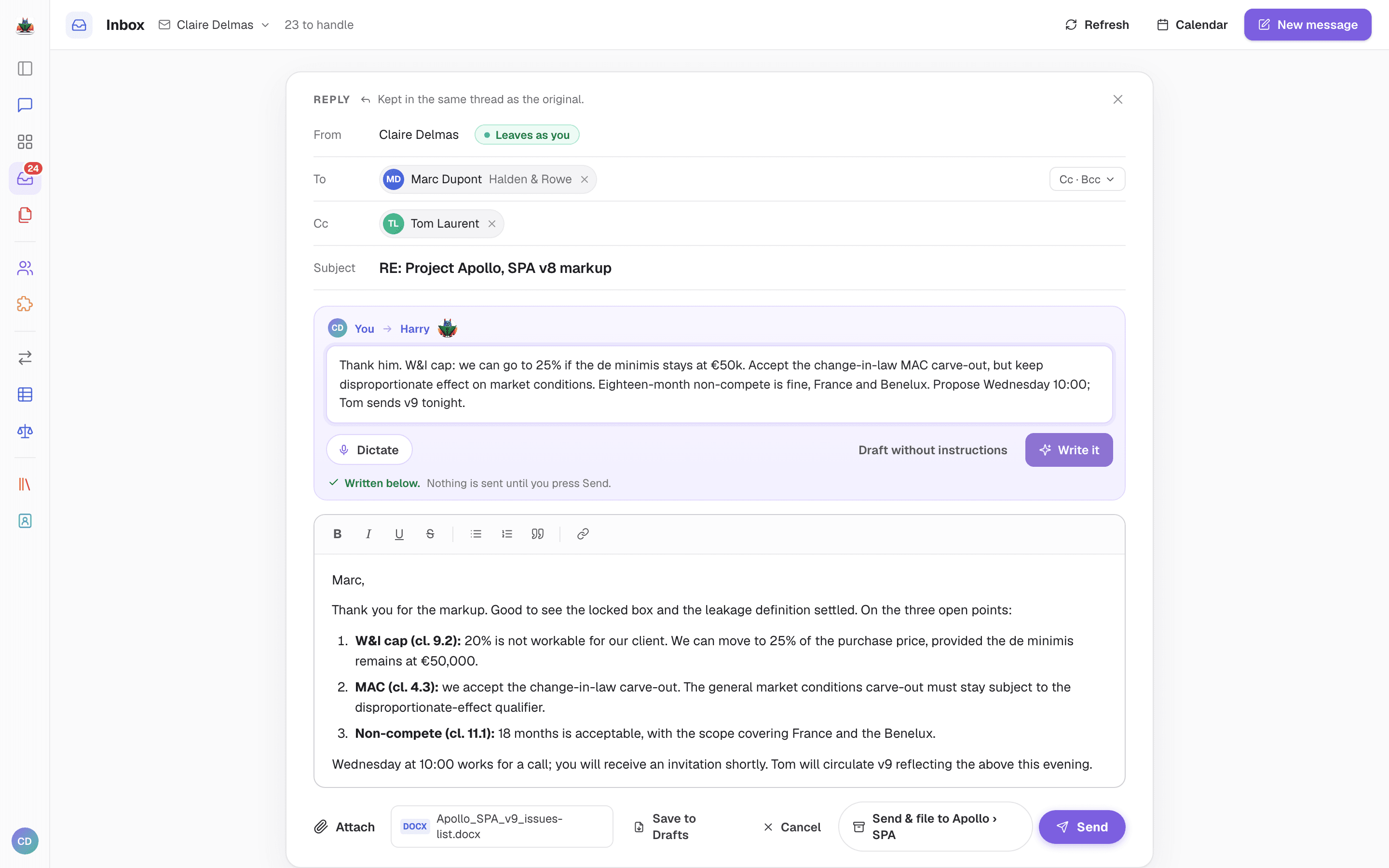
Your position in a line. The reply in full.
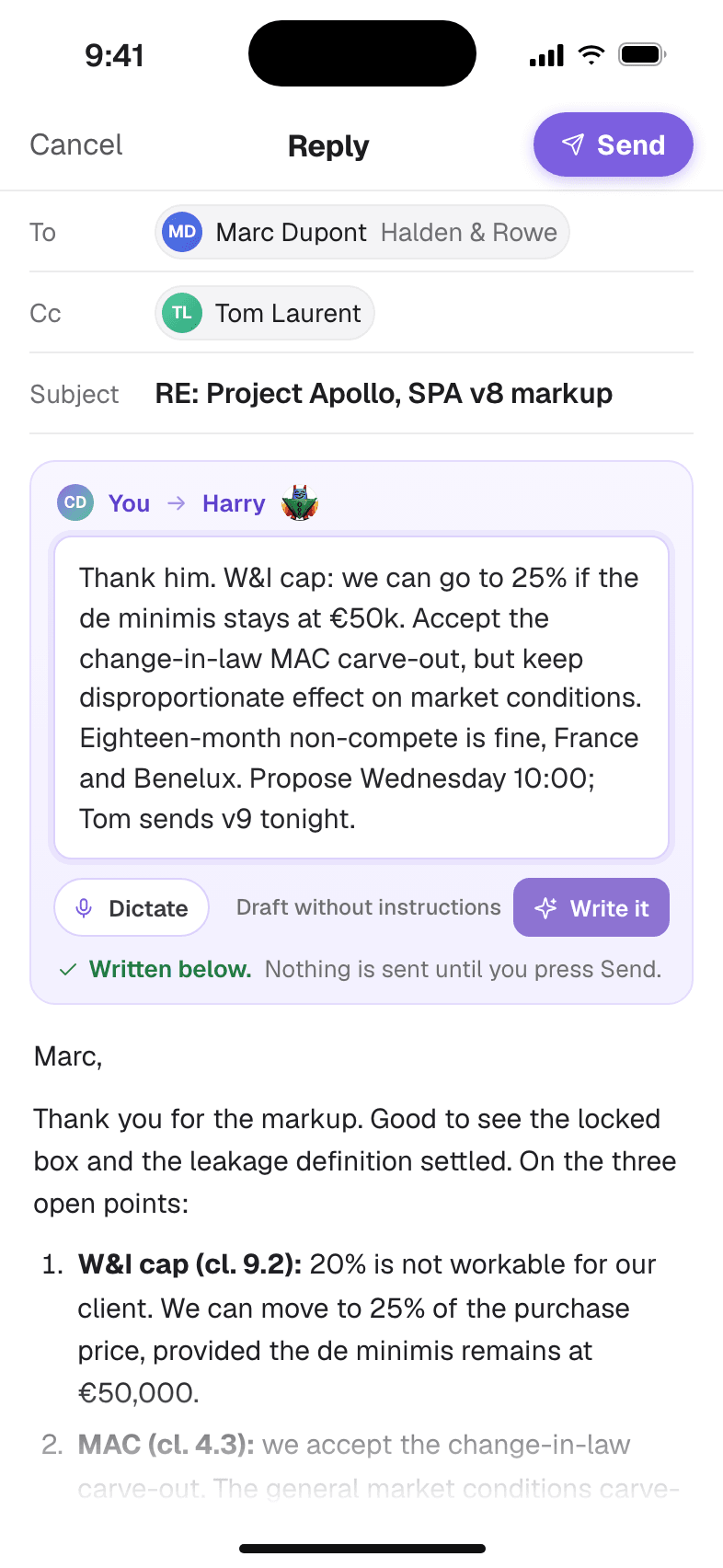
Type or dictate what you want to say: the point you concede, the one you hold, the date you propose. The reply is written in your register, in the same thread, and you edit it like any draft.
Nothing leaves as you without your go.
An email written as you, to someone you have not authorised, waits for your explicit go: a word on Signal, or a click in your Inbox. Only the people you have authorised are written to directly, and you keep that list.
From your phone, between two meetings.
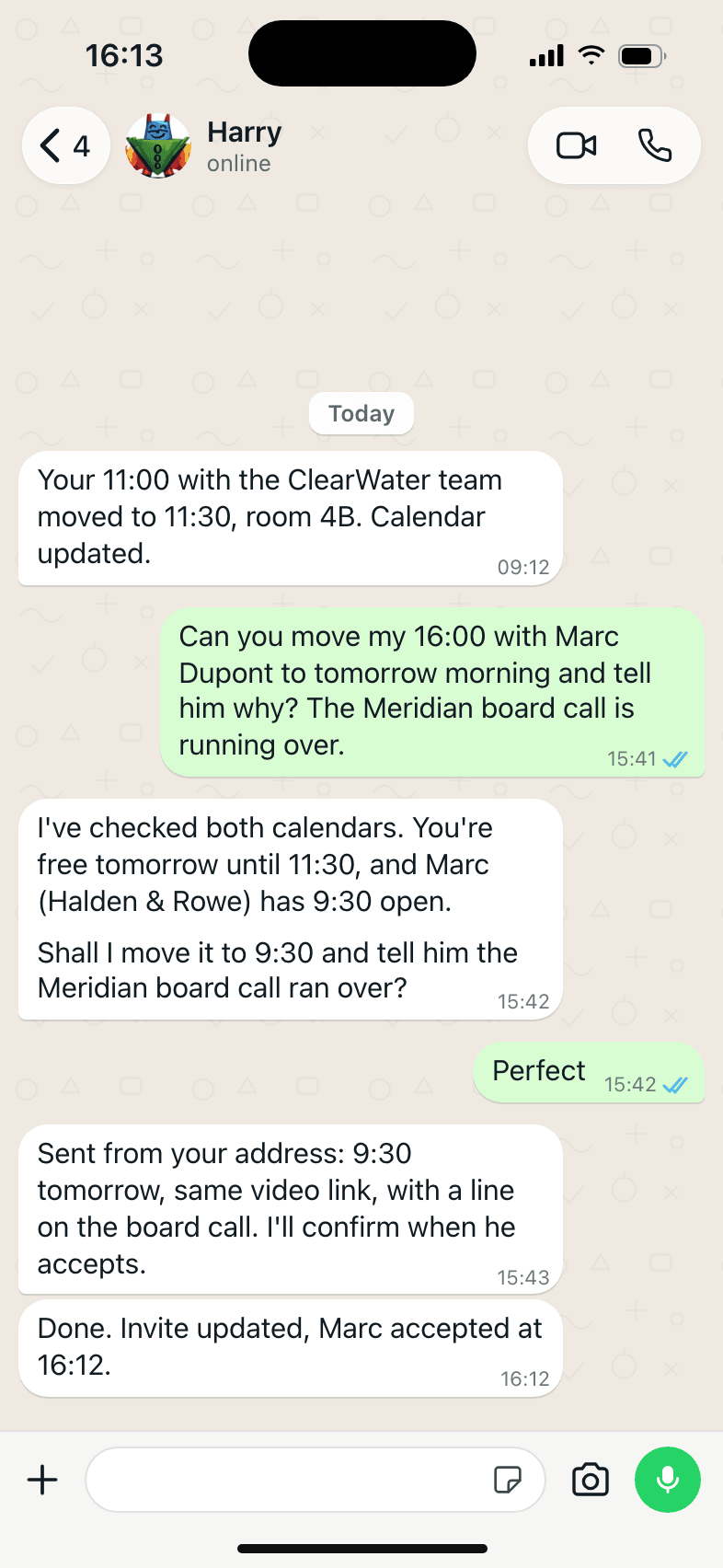
The same sorted inbox on your iPhone. Or simply message your agent: ask it to move a meeting and it checks both calendars, proposes a time, sends the update from your address and confirms the invitation was accepted.
In the tools you already use.
It reads, sorts and files your Outlook mail and keeps your calendar. Its own Signal and WhatsApp numbers let you reach it from anywhere. Teams and a Word add-in are coming soon.
What lawyers ask first
Does it send emails as me without my approval?
Not to anyone new. An email that leaves as you, to someone you have not authorised, waits for your explicit go: a word on Signal, or a click in your Inbox.
Does it work with Outlook?
Yes. It reads, sorts and files your Outlook mail, and drafts replies in the same thread.
Are my emails used to train models?
Our model providers, used via API, do not train on your data.
Where your data is stored and processed, provider by provider, is on the security page.
See also: AI agents for M&A lawyers
Public beta, free until 31 December 2026. Access opened in waves.
Request access